How Many DTF Transfers Fit on a Gang Sheet? | ExpressPress
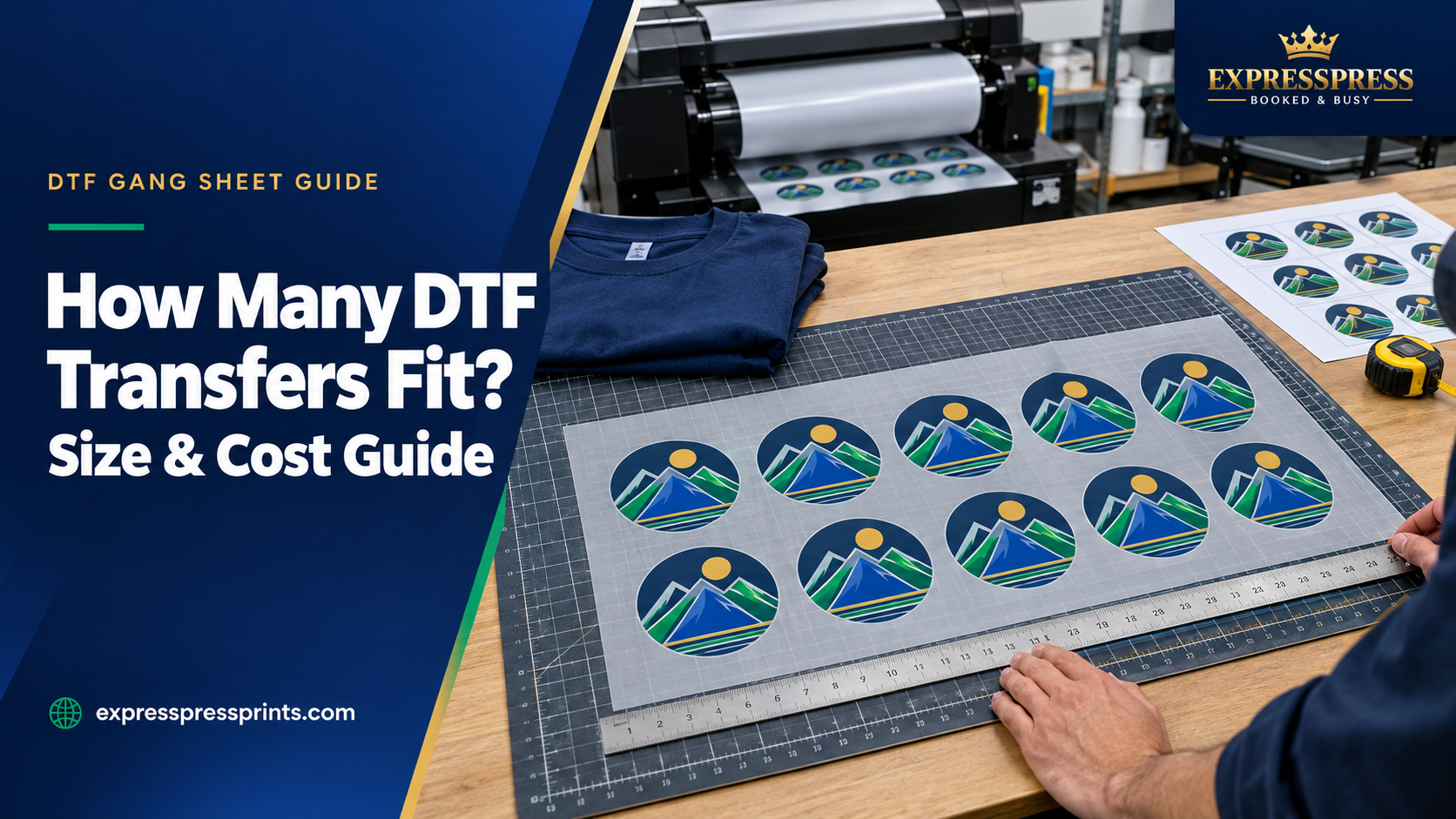
How Many DTF Transfers Fit on a Gang Sheet? Size & Cost Guide
If you are ordering DTF transfers for custom T-shirts, uniforms, event merchandise, or a small clothing brand, one of the first questions is simple: how many designs can fit on one gang sheet?
The answer depends on the sheet's width and length, the finished dimensions of each graphic, and how much room you leave between designs. A sheet of small chest logos can hold considerably more transfers than the same sheet filled with large front-of-shirt designs.
This guide walks through a practical example using a 24-inch-wide by 12-inch-long sheet, explains the calculation, and shows how to compare the cost of different layouts. The example is based on a sheet size displayed in the ExpressPress DTF gang sheet ordering options. Always use the exact size shown when you place your order.
Quick Answer: How Many Designs Fit on a 24" × 12" DTF Gang Sheet?
The table below assumes square designs laid out in straight rows, with 0.25 inch between neighboring designs and 0.25 inch of clear space at each outside edge. It does not assume rotation or irregular-shape nesting.
| Finished transfer size | Designs across | Rows down | Estimated transfers |
|---|---|---|---|
| 3" × 3" | 7 | 3 | 21 |
| 3.5" × 3.5" | 6 | 3 | 18 |
| 4" × 4" | 5 | 2 | 10 |
| 5" × 5" | 4 | 2 | 8 |
| 6" × 6" | 3 | 1 | 3 |
| 8" × 8" | 2 | 1 | 2 |
| 10" × 10" | 2 | 1 | 2 |
| 11" × 11" | 2 | 1 | 2 |
Important: These are mathematical layout examples, not guaranteed production capacities or a promise that every artwork file will fit. Irregular graphics, transparent padding, machine-safe printing areas, the final cutting method, and the exact selected sheet can change the result. Review your actual layout before ordering.
What Determines How Many DTF Transfers Fit?
1. The Actual Gang Sheet Dimensions
The first number is the sheet width; the second is its length. For example, a 24" × 12" sheet is 24 inches across and 12 inches long.
A larger sheet can hold more artwork, but additional length does not automatically mean better value. Your chosen design sizes determine whether the extra space is useful. Check the currently available dimensions in ExpressPress DTF Gang Sheets before preparing your artwork.
2. Each Design's Finished Print Size
Measure your graphic at the size it should appear on the garment, not just how large it looks on your computer screen.
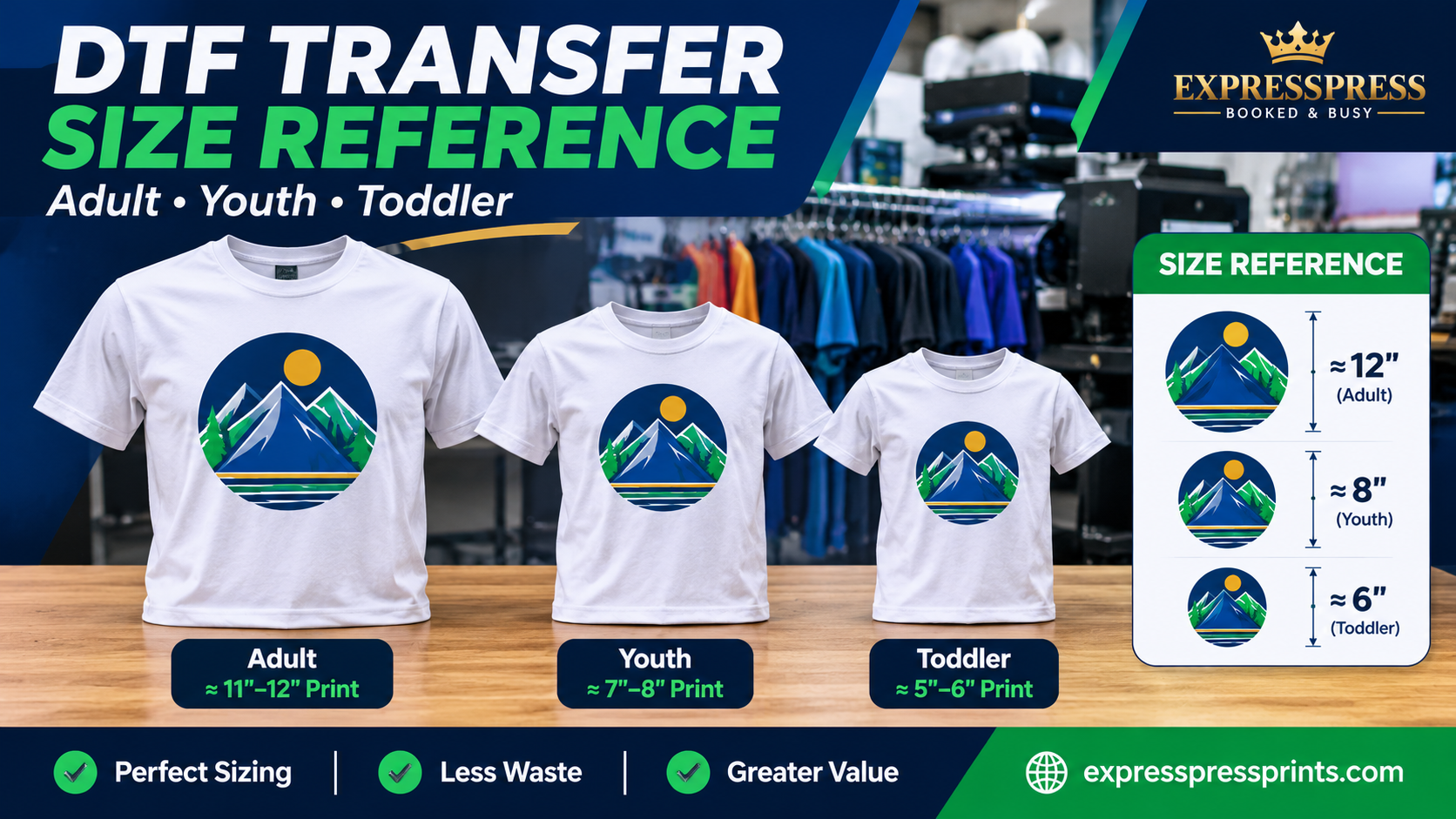
A 3.5" × 3.5" left-chest emblem and an 11" × 11" shirt-front graphic use very different amounts of film. The same design may also need separate versions for youth and adult apparel.
For print planning, treat the entire rectangular area occupied by the artwork—including unwanted transparent padding—as its footprint until that empty padding has been cropped away.
3. Cutting Gaps and Edge Margins
Transfers need room to be separated after printing. For the examples here, we allow a quarter-inch between designs and at every sheet edge. Your actual printer or order instructions may call for different safety margins.
Avoid pushing artwork directly against the edge or overlapping adjacent transfers simply to squeeze in one more copy. An extra design is not a saving if it gets damaged during cutting.
4. Artwork Shape and Rotation
An evenly spaced grid is easy to estimate. But real sheets often contain wide logos, narrow sleeve prints, and oddly shaped graphics.
In some layouts, rotating an image by 90 degrees or placing smaller graphics in unused spaces can improve the fit without changing the intended print dimensions. Do not stretch or distort artwork to make it fit.
How to Calculate DTF Gang Sheet Capacity
You can estimate capacity before opening the designer:
Choose a sheet size. Note its width and length in inches.
Measure one finished transfer. Record the width and height of its artwork footprint.
Allow room for cutting. Deduct your planned outside margins and include a gap between neighboring designs.
Count how many fit across. Fit complete design widths into the usable sheet width.
Count how many rows fit. Repeat the calculation using the sheet length and design height.
Multiply columns by rows. This gives an approximate count for a simple rectangular grid.
Worked Example: 4" × 4" Transfers on a 24" × 12" Sheet
Usable width after two 0.25" outer margins: 23.5 inches.
Five 4-inch designs plus four 0.25-inch gaps need 21 inches, so five fit across.
Usable length after outer margins: 11.5 inches.
Two 4-inch designs plus one 0.25-inch gap need 8.25 inches, so two rows fit.
Estimated capacity: 5 × 2 = 10 transfers.
For a more technical estimate with consistent rectangular designs, use:
Columns = floor((sheet width − 2 × outer margin + gap) ÷ (design width + gap))
Rows = floor((sheet length − 2 × outer margin + gap) ÷ (design height + gap))
Then multiply columns × rows. Here, floor means rounding down to the next whole number. If a design cannot fit inside the available height, it does not count, even when there is room across the width.
How Much Does Each DTF Transfer Cost on a Gang Sheet?
The useful comparison is total sheet cost divided by the number of usable transfers. You should use the current amount displayed in the order form rather than relying on an old blog price.
Estimated print cost per transfer = selected sheet price ÷ usable transfer count
For example, if a layout holds 10 usable transfers, divide the selected sheet's current price by 10. If it holds only two large graphics, divide the price by two instead. This shows why small repeat logos may be economical on a gang sheet—and why unused film can increase the effective cost of each design.
When comparing options, also account for shipping, potential quantity or customization charges, cutting time, and labor to press transfers onto garments. The lowest print-only cost is not always the lowest total job cost.
Three Ways to Get More Value From the Same Sheet
Place Large Prints First
Set down full-front or back graphics at their correct physical dimensions. They are harder to fit around other artwork and should determine the basic layout.
Fill Remaining Space With Useful Small Graphics
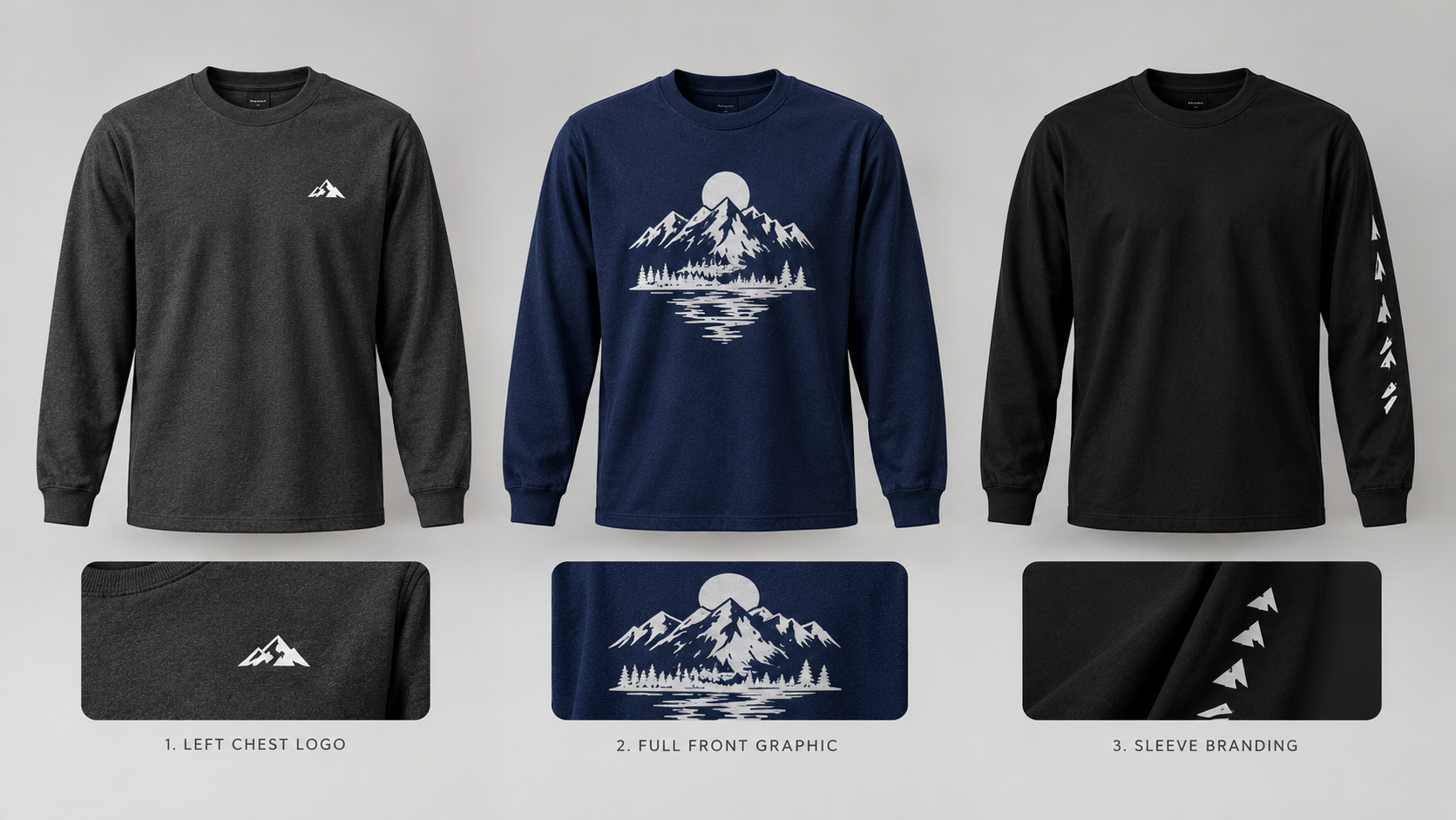
Left-chest logos, sleeve graphics, labels, or additional copies of an existing design can sometimes occupy spaces left beside larger images. Only add transfers you actually plan to use.
Check the Layout at Full Size
Look for unintended transparent margins, low-resolution artwork, overlapping designs, and incorrect quantities. Use the DTF gang sheet ordering page to review the current sheet sizes and proceed to the designer.
Gang Sheets vs. Individual DTF Transfers: Which Should You Order?
A gang sheet is often worth considering when you need several prints, repeat copies of the same logo, or different designs on the same order. Individual transfers may be simpler when you need just one graphic, do not want to arrange artwork, or require a particular one-off size.
Neither option is automatically cheaper for every project. Compare the actual order total and the number of finished transfers you need. You can also explore individual DTF transfer options before choosing a workflow.
Mistakes That Can Throw Off Your Transfer Count
Ignoring the height of a design: Two images can fit across the sheet but still be too tall to fit in the selected length.
Using file size instead of print size: A large pixel dimension does not tell you how many physical inches the artwork will occupy.
Leaving excessive transparent padding: Invisible space around a PNG can waste layout area.
Making gaps too narrow: Crowded transfers may be difficult to separate cleanly.
Assuming every gang sheet has the same width: Always use your selected provider's current dimensions.
Counting designs before checking their quality: A design that fits is not necessarily sharp enough to print.
ExpressPress recommends high-resolution, print-ready artwork at approximately 300 DPI at the intended finished size. For example, a 4" × 4" image intended for 300-DPI output needs about 1,200 × 1,200 pixels of actual detail. Merely changing an image's DPI metadata will not repair blurry source artwork.
Frequently Asked Questions
How many 3-inch DTF logos fit on a 24" × 12" gang sheet?
For a straightforward grid of 3" × 3" logos, the assumptions used in our table allow an estimated 21 copies. The actual printable layout may differ.
How many 4-inch DTF transfers fit on that sheet?
A 24" × 12" layout can fit about 10 copies of a 4" × 4" design under the same quarter-inch-gap and edge-margin assumptions.
Can I place multiple different designs on one gang sheet?
Yes. You can combine different artwork or repeated copies, provided every image fits at its intended size and has appropriate separation. Mixed layouts need a visual check rather than a simple grid calculation.
Does a longer gang sheet always lower the cost per transfer?
Not always. The effective price per usable transfer depends on the selected sheet price and how efficiently you use it. A longer sheet with large unused areas may be poorer value than a smaller, well-planned sheet.
Should I reduce my logo size just to fit more copies?
Only if the smaller size still works for the intended garment and design. Correct sizing, legibility, and print quality matter more than maximizing the count on paper.
Plan Your Next DTF Gang Sheet With ExpressPress
A useful gang sheet starts with a reliable layout—not a guessed number of transfers. Confirm your selected sheet dimensions, plan the finished size of each design, leave enough room for cutting, and compare the actual sheet price with your final usable quantity.
When your files are ready, visit ExpressPress Custom DTF Gang Sheets to choose a currently available size and continue to the artwork designer.