DTF Transfer Size Chart for Adult, Youth & Kids' Shirts
DTF Transfer Size Chart for Adult, Youth & Kids' Shirts
Choosing the right DTF transfer size is just as important as choosing a sharp design. A logo that looks balanced on an adult T-shirt may overwhelm a toddler shirt, while a small youth graphic can look lost on an oversized adult tee.
If you're planning custom business apparel, team shirts, family-event merchandise, or a clothing brand, use this DTF transfer size chart to choose a practical starting width for your artwork. You'll also learn how to measure placement, prepare correctly sized files, and avoid ordering the wrong transfer dimensions.
Important: The sizes below are planning ranges for the printed artwork, not shirt dimensions or universal print limits. Fit varies by shirt brand, garment cut, neckline, seam placement, design shape, and heat-press platen. Always measure your actual blank before ordering or pressing transfers.
Quick DTF Transfer Size Chart: Adults, Youth, Toddlers & Babies
Use these widths as starting points for a typical centered front graphic or a small left-chest design.
| Garment group | Suggested full-front design width | Suggested left-chest logo width |
|---|---|---|
| Infant / baby bodysuit | 4–5 in | Measure individually; a tiny centered graphic is often simpler |
| Toddler (2T–5T) | 5–7 in | 2.5–3 in |
| Youth shirts | 7–9 in | 2.5–3.5 in |
| Adult shirts (S–XL) | 10–12 in | 3–4 in |
| Adult shirts (2XL and larger) | 11–13 in, only if space permits | 3.5–4.5 in |
Widths are approximate. Height should follow your artwork's original proportions and the printable space available on the garment. A 10-inch-wide horizontal wordmark should not be forced into a 10 × 10-inch square.
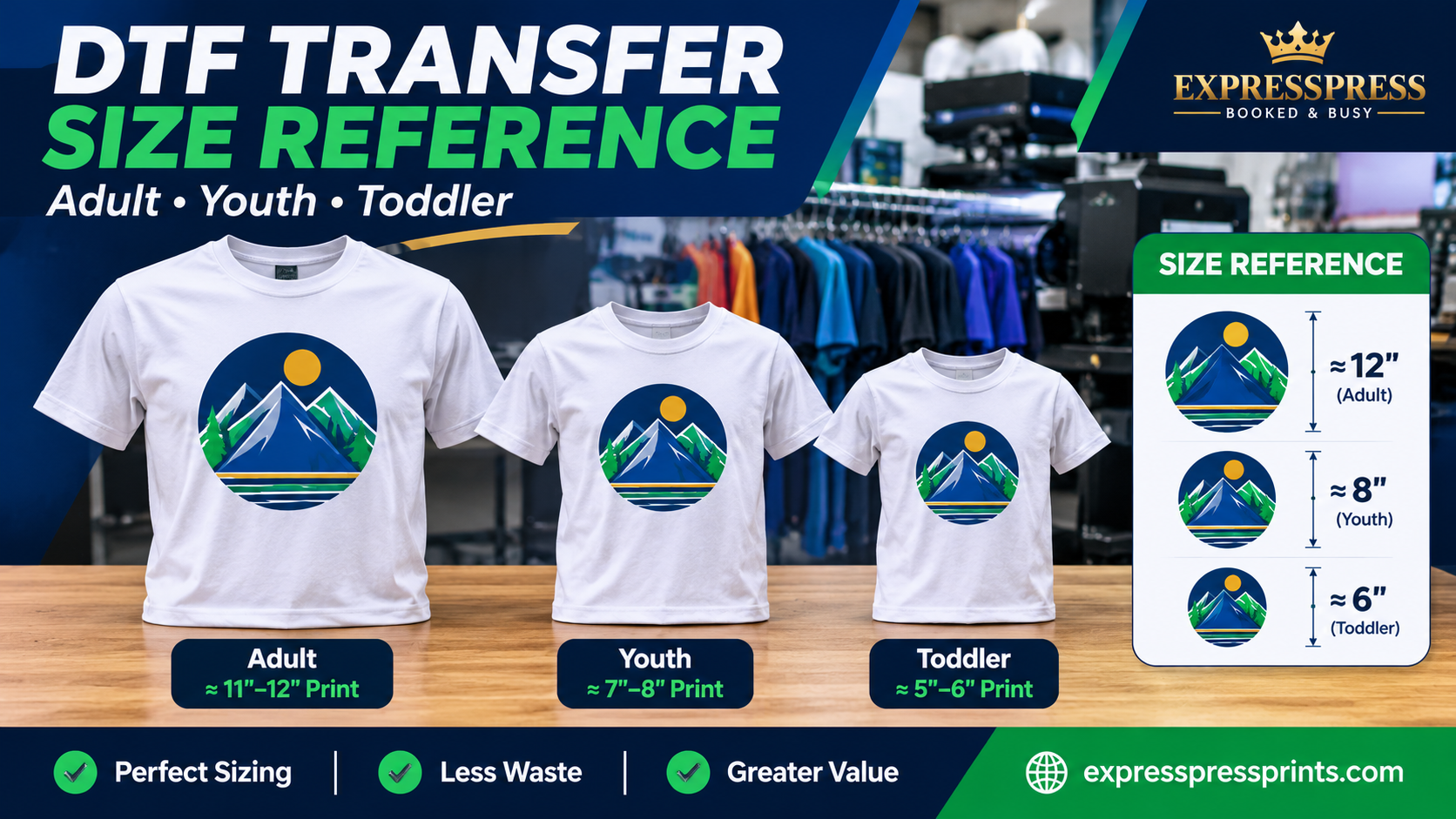
Example: One Logo for Different Shirt Sizes
Suppose a school event needs the same geometric artwork on three different garments. A reasonable first mockup might use:
- Adult shirts: 10.5-inch-wide centered print.
- Youth shirts: 8-inch-wide centered print.
- Toddler shirts: 6-inch-wide centered print.
These are examples, not required sizes. Print paper templates at actual size or place a measured mockup over the smallest garment before approving the final versions.
Adult DTF Transfer Sizes: Standard Front, Back & Left Chest
Adult Full-Front Designs
For many standard adult T-shirts, a 10–12 inch print width is a practical starting range. Wide designs may need more space; narrow text, tall artwork, and fitted garments may require less. Keep the design visually centered on the body and clear of bulky seams.
For an adult full-front print, a common initial placement check is approximately 3–4 inches below the bottom of the front collar seam, measured to the top edge of the artwork. This is a starting point, not a rule for every shirt style or design.
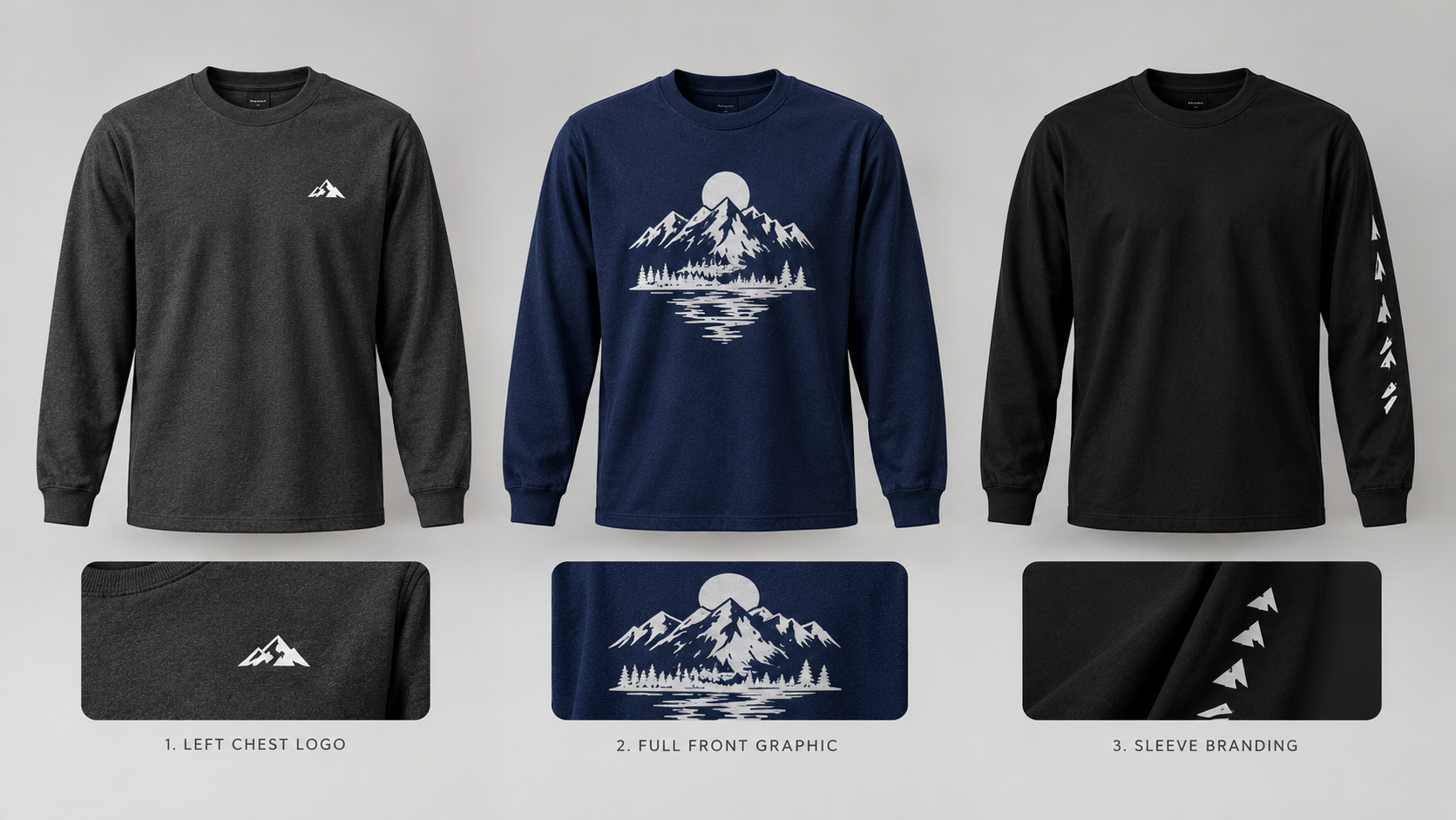
Adult Left-Chest Logos
For work uniforms, polo-style branding, volunteer shirts, and other small logo placements, start around 3–4 inches wide. A very detailed logo may need more width to remain legible, while a simple symbol may work smaller.
A left-chest print is not centered on the entire shirt. Check both its vertical position and its location on the wearer's left side. Use a placement ruler or folded centerline and verify the result on an actual garment.
Adult Back Prints
Many full-back designs begin around 11–13 inches wide, depending on the blank and intended look. Always confirm that the design clears the neckline, sleeve seams, and lower garment area. Tall artwork needs a separate height check even when its width fits.
Youth DTF Transfer Sizes: Keep the Design in Proportion
Youth shirts typically need smaller prints than adult shirts. A 7–9 inch full-front width is a useful starting point for many youth sizes, although youth XS and slimmer styles may need less, and roomier youth garments may allow more.
For standard youth front placement, begin by checking about 2–3 inches below the bottom of the collar seam to the top of the design. Then adjust after seeing the actual fit.
A 2.5–3.5 inch left-chest logo is a reasonable mockup range for many youth blanks. For team uniforms, make sure the logo remains readable without crowding the neckline or side seam.
Should You Use the Same Transfer on Adult and Youth Shirts?
Sometimes a deliberately small design can work on both groups, but a standard adult full-front graphic often looks too wide on youth apparel. For a mixed order, create at least separate adult and youth artwork sizes, especially when the design is meant to cover most of the chest.
Toddler & Kids' DTF Transfer Sizes
Toddlers have much less flat printing space than adult garments. Start around 5–7 inches wide for a centered front print on many 2T–5T T-shirts, and size down if you are using a small cut or narrow shirt.
For toddler front placement, an initial check is approximately 1.5–2 inches beneath the collar seam, measured to the design's top. A 2.5–3 inch chest symbol may work, but a small centered graphic can be more visually balanced than an offset logo on very small shirts.
For baby bodysuits, 4–5 inches wide is a useful starting range for front designs. The snaps, armholes, neckline, and curved body panel can sharply reduce usable print space; test the actual garment instead of copying the toddler dimensions.
Never assume that a design will fit merely because its width is less than the shirt's advertised chest measurement. The printable area is smaller than the garment itself.
Where Should a DTF Design Sit on a Shirt?
Placement changes the professional appearance of a design, even when the transfer size is correct. The following starting measurements apply to centered front graphics, measured from the bottom of the front collar seam to the top edge of the printed artwork.
| Garment group | Initial front-placement range |
|---|---|
| Baby bodysuit | About 1–1.5 in below collar |
| Toddler T-shirt | About 1.5–2 in below collar |
| Youth T-shirt | About 2–3 in below collar |
| Adult T-shirt | About 3–4 in below collar |
These are initial layout checks, not guaranteed press-placement specifications. Left-chest logos, oversized graphics, scoop-neck shirts, fitted styles, and other garments require different positioning. Keep the graphic away from collars, seams, pockets, and other raised areas that can interfere with even pressure.
A Reliable Four-Step Placement Check
- Lay the shirt flat on a clean, level surface and smooth it without stretching.
- Find the shirt's visual centerline by measuring or lightly folding the garment.
- Position a full-size paper printout of the artwork where you plan to press it.
- Check neckline clearance, side seams, and overall balance, then record the approved placement for the rest of the order.
If you are ordering dozens of shirts, this one approval step can prevent inconsistent placement across the batch.
How to Calculate Artwork Pixel Dimensions for DTF Printing
A transfer ordered at a specific size also needs enough real artwork detail to print cleanly. For raster files, 300 pixels per inch (PPI) at the final output size is a useful preparation target when your printer recommends that resolution.
| Intended print width | Approximate raster width at 300 PPI |
|---|---|
| 4 inches | 1,200 pixels |
| 6 inches | 1,800 pixels |
| 8 inches | 2,400 pixels |
| 10 inches | 3,000 pixels |
| 12 inches | 3,600 pixels |
For example, an 8-inch-wide design should ideally contain around 2,400 pixels of genuine image detail across its width at 300 PPI. Enlarging a small, blurry file to 2,400 pixels does not automatically make the artwork sharp.
Use a clean transparent-background PNG where appropriate, or properly prepared vector artwork when supported. For more format-specific help, see ExpressPress's guide to the best file formats for T-shirt printing.
Common DTF Sizing Mistakes to Avoid
- Using one oversized graphic for every age group. A print designed for an adult 2XL can cover too much of a toddler shirt.
- Confusing transfer dimensions with artwork dimensions. The film may have clear margins around the actual printed design.
- Ignoring the design's height. A tall graphic can reach the hem even if its width fits perfectly.
- Changing width without maintaining aspect ratio. Stretching artwork makes logos and lettering look distorted.
- Guessing the collar offset. Record what you measured from and where the measurement ends.
- Skipping a physical mockup. Real shirts vary by brand, material, size, and cut.
- Using low-detail artwork. A large transfer made from a small blurry graphic still prints blurry.
How Shirt Transfer Sizing Affects Gang Sheet Orders
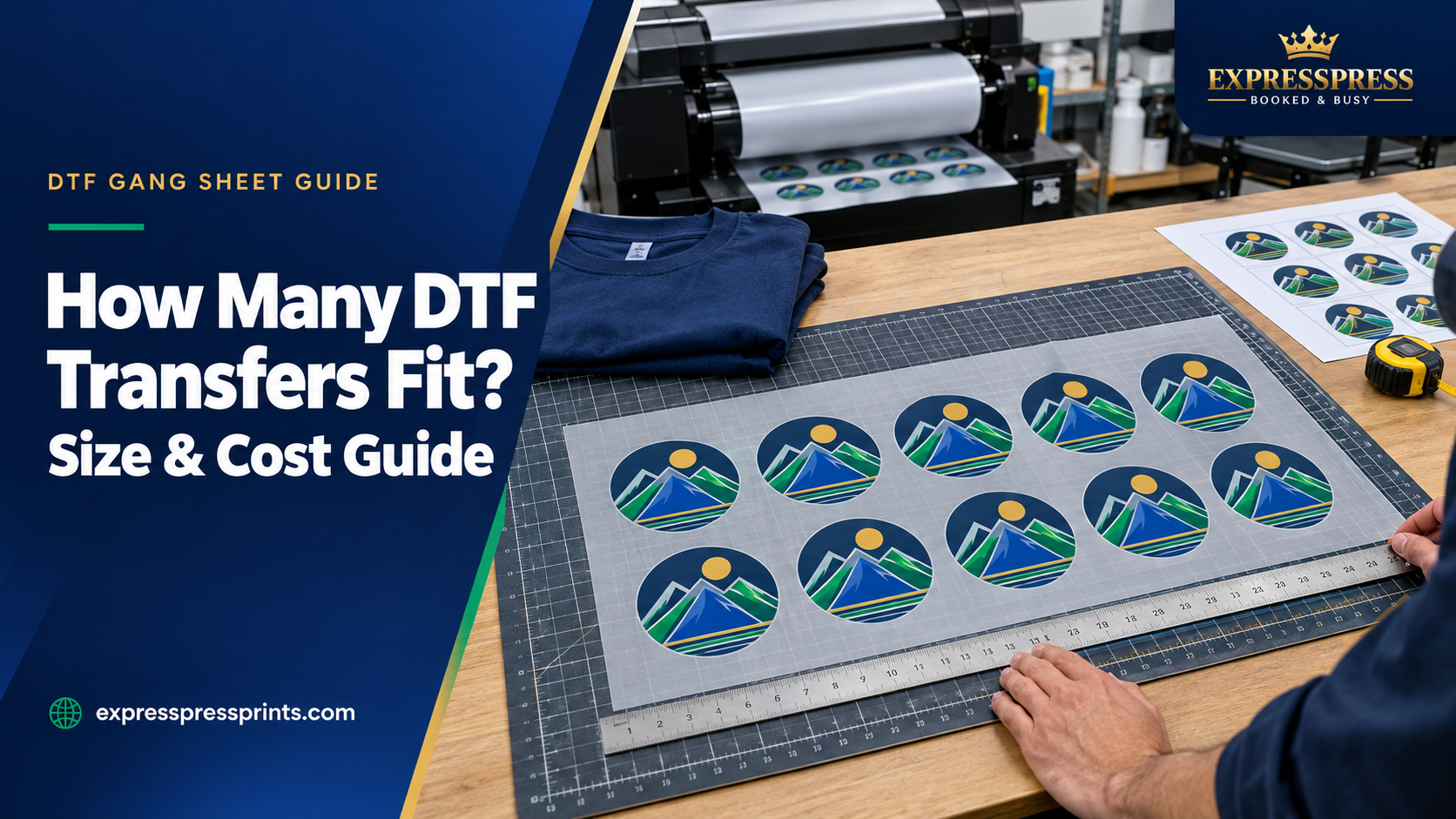
If you are preparing shirts in several sizes, organize your gang sheet by the actual finished transfer dimensions, not by generic labels like “adult logo” and “kids' logo.”
For example, a mixed order may include 10.5-inch adult prints, 8-inch youth prints, and 6-inch toddler prints. Count the required quantity of each before arranging the designs so you do not accidentally produce too many of one size.
Use ExpressPress DTF Gang Sheets to view current ordering options. For single ready-to-press designs and other DTF printing information, visit Custom DTF Transfers. To explore finished garments, browse Custom Printed T-Shirts.
Frequently Asked Questions
What is the most common DTF print width for an adult T-shirt?
A centered adult front design around 10–12 inches wide is a useful starting range. There is no one size that works for every adult shirt or artwork shape.
What size DTF transfer should I use for youth shirts?
For many youth T-shirts, begin with a 7–9 inch-wide full-front graphic. Measure the actual youth blank, particularly for smaller sizes.
What size print works on a 3T or 4T shirt?
A front design around 5–7 inches wide may work for many toddler shirts, but the shirt's actual printable area determines the final size.
Can the same left-chest logo be used on youth and adult garments?
A compact logo sometimes works across both groups. Test it on the smallest garment first; otherwise, use a smaller youth version.
Should the transfer be centered on the entire shirt or on the wearer?
A full-front print is generally centered on the front body panel. A left-chest logo is positioned on the wearer's left, not the shirt's overall centerline.
Does the DTF film need to match the exact visible design size?
Not always. The clear carrier film can extend beyond the printed artwork. Specify and measure the finished visible artwork size, while leaving appropriate surrounding film for safe handling and pressing.
Final Checklist Before Ordering DTF Transfers
Before approving your artwork, check that the transfer is proportional to the garment, is positioned appropriately, clears seams and pockets, has sufficient image detail, and has been tested at full size on at least one actual blank.
Ready to plan your order? Explore ExpressPress DTF Transfers or browse Custom T-Shirt Printing to match your artwork to your garment needs.