How to Design Custom T-Shirts for Your Business or Event
How to Design Custom T-Shirts for Your Business or Event
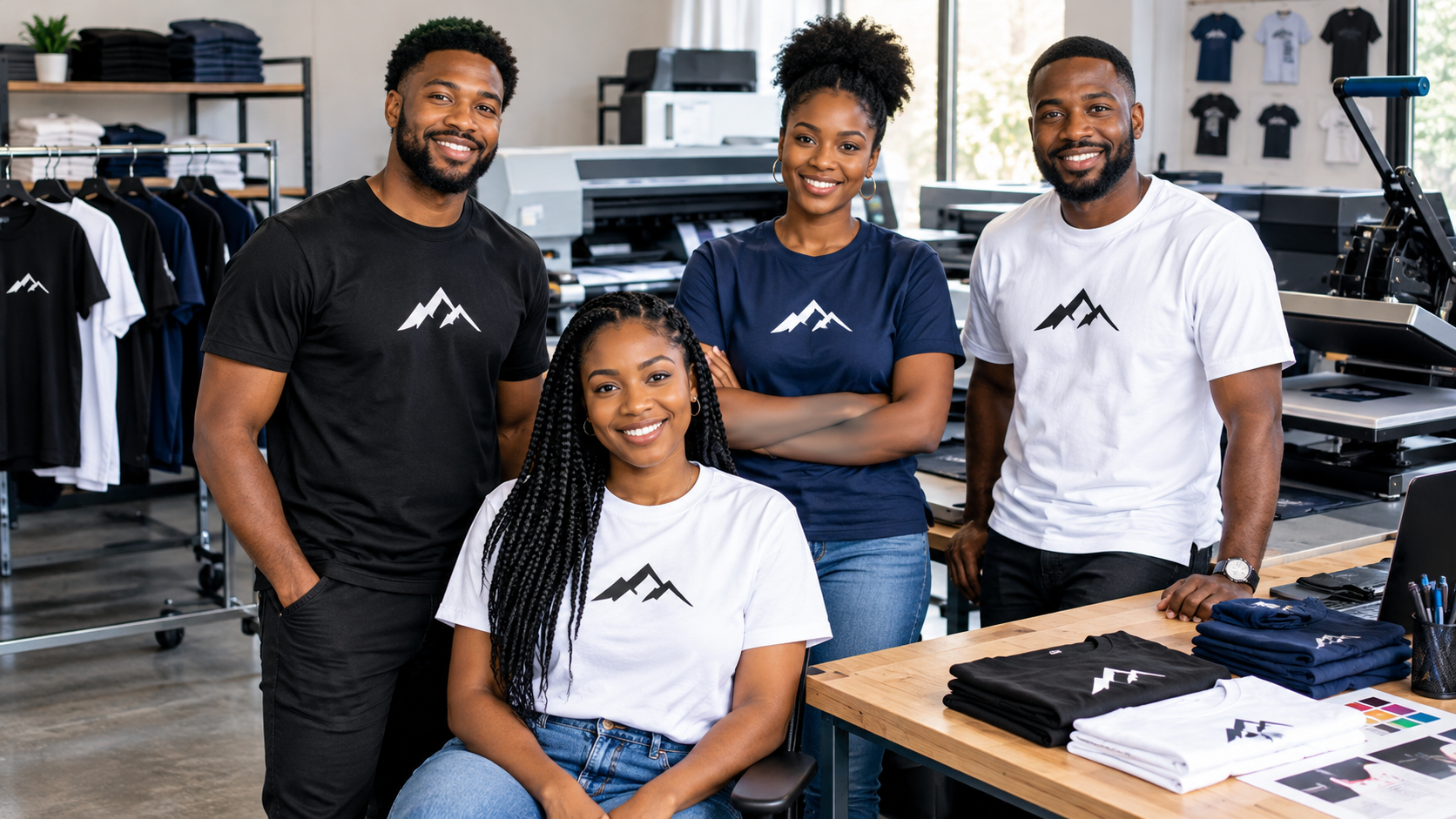
A well-designed custom T-shirt can do more than display a logo. It can help promote your business, bring your team together, create memorable event merchandise, and give your brand a professional appearance.
Whether you're designing shirts for employees, a family reunion, school event, fundraiser, or promotional campaign, the right combination of colors, typography, artwork, and placement can make a significant difference.
But how do you create a custom T-shirt that looks professional rather than overcrowded or difficult to read?
In this guide, ExpressPress shares practical custom T-shirt design tips to help you create apparel that represents your business or event with confidence.
1. Start With the Purpose of Your Custom T-Shirt
For additional guidance, see our business T-shirt ordering guide.
Before choosing colors or uploading artwork, decide what your T-shirt needs to accomplish.
Different purposes require different design approaches.
Custom T-Shirts for Businesses
Business T-shirts should communicate your brand clearly.
A simple company logo, business name, and carefully selected colors can create a coordinated look for employees.
For example, a landscaping company might use a small left-chest logo with a larger company name on the back.
A retail business might prefer a clean front logo that matches its overall branding.
Custom T-Shirts for Events
Event shirts can be more expressive.
Consider including the event name, date, location, theme, or a memorable graphic.
Examples include:
Family reunion T-shirts
School field trip shirts
Charity fundraiser apparel
Birthday celebration shirts
Community festival merchandise
Corporate event T-shirts
Sports team shirts
The goal is to create something participants will enjoy wearing beyond the event itself.
2. Choose the Right T-Shirt Color
Your shirt color affects the visibility and overall appearance of your design.
A great logo can become difficult to read if the garment and artwork colors are too similar.
Black T-Shirts
Black provides a strong background for white, bright, and contrasting designs.
It works well for modern business branding, event merchandise, and bold graphic prints.
White T-Shirts
White offers a clean background for colorful artwork and detailed illustrations.
It can be useful for promotional shirts, school events, and creative designs.
Navy Blue T-Shirts
Navy creates a classic appearance and pairs well with white, light gray, and other contrasting artwork colors.
It is a popular choice for professional-looking company apparel.
Gray T-Shirts
Gray provides a neutral foundation for many logo colors.
Depending on the shade, it can create a relaxed or professional appearance.
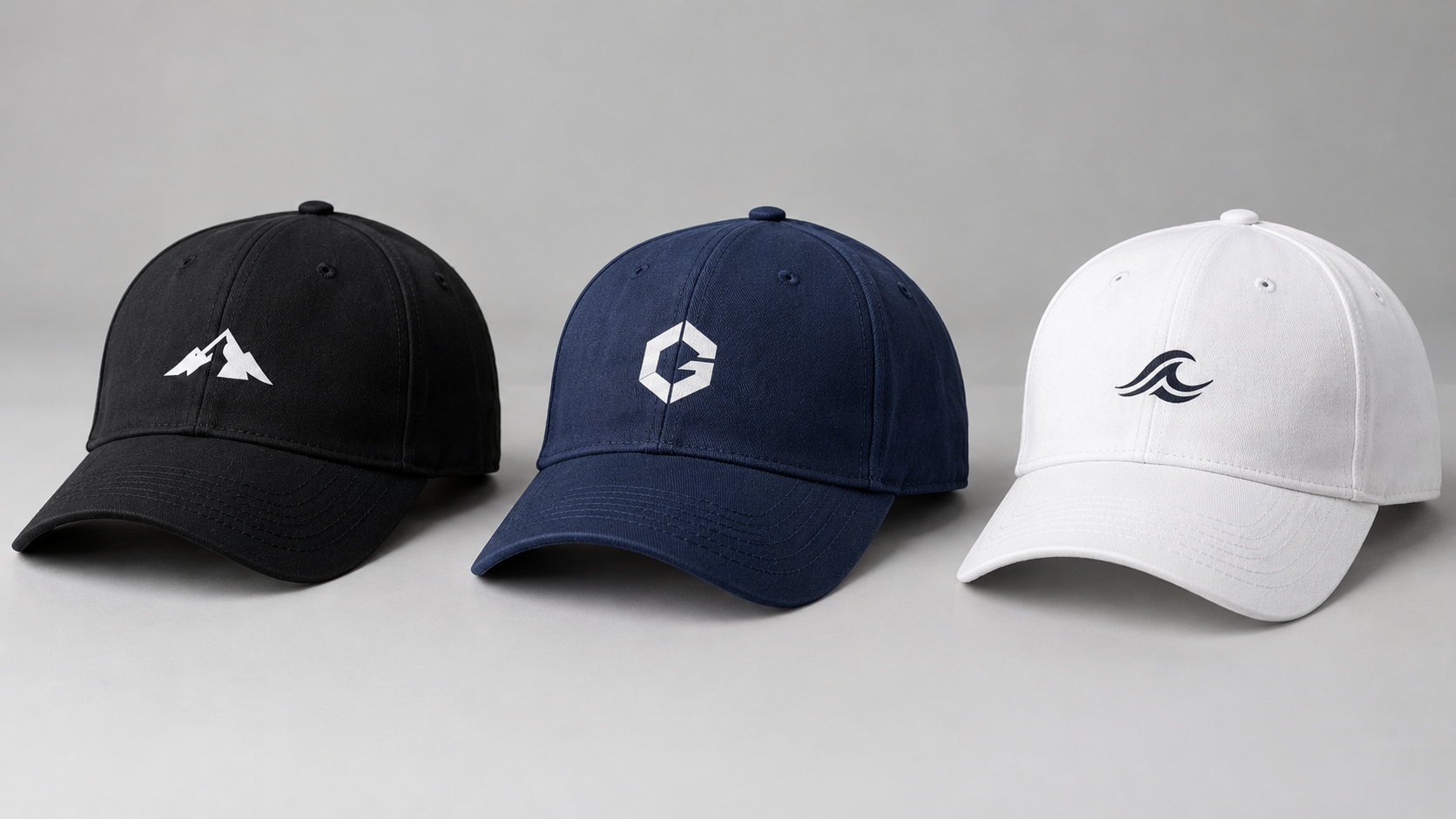
Brand-Matched Colors
If your company already has established brand colors, use them as a starting point.
Choose a garment color that complements your logo while maintaining readable contrast.
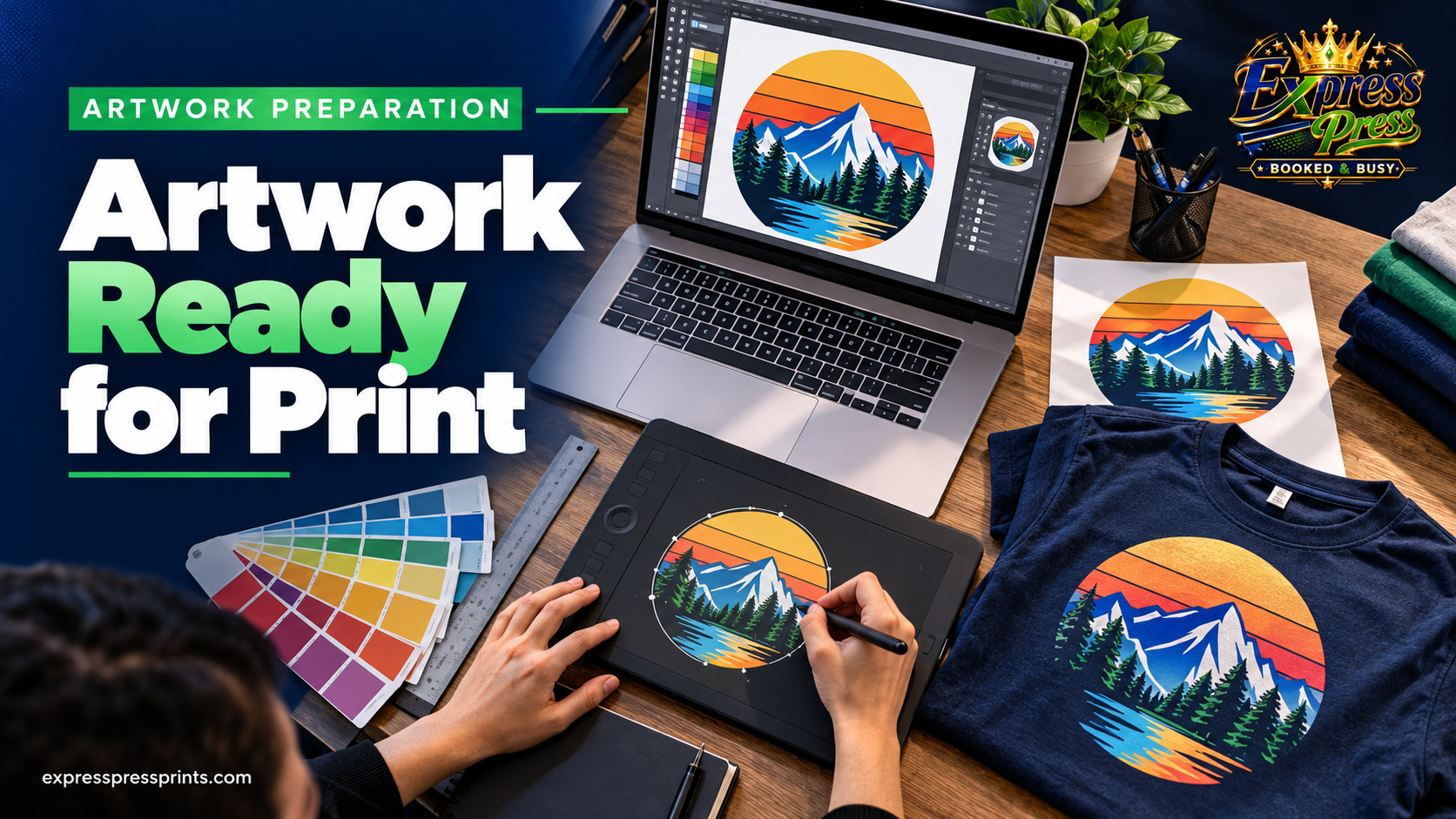
Design tip: Preview your artwork on the actual garment color before ordering.
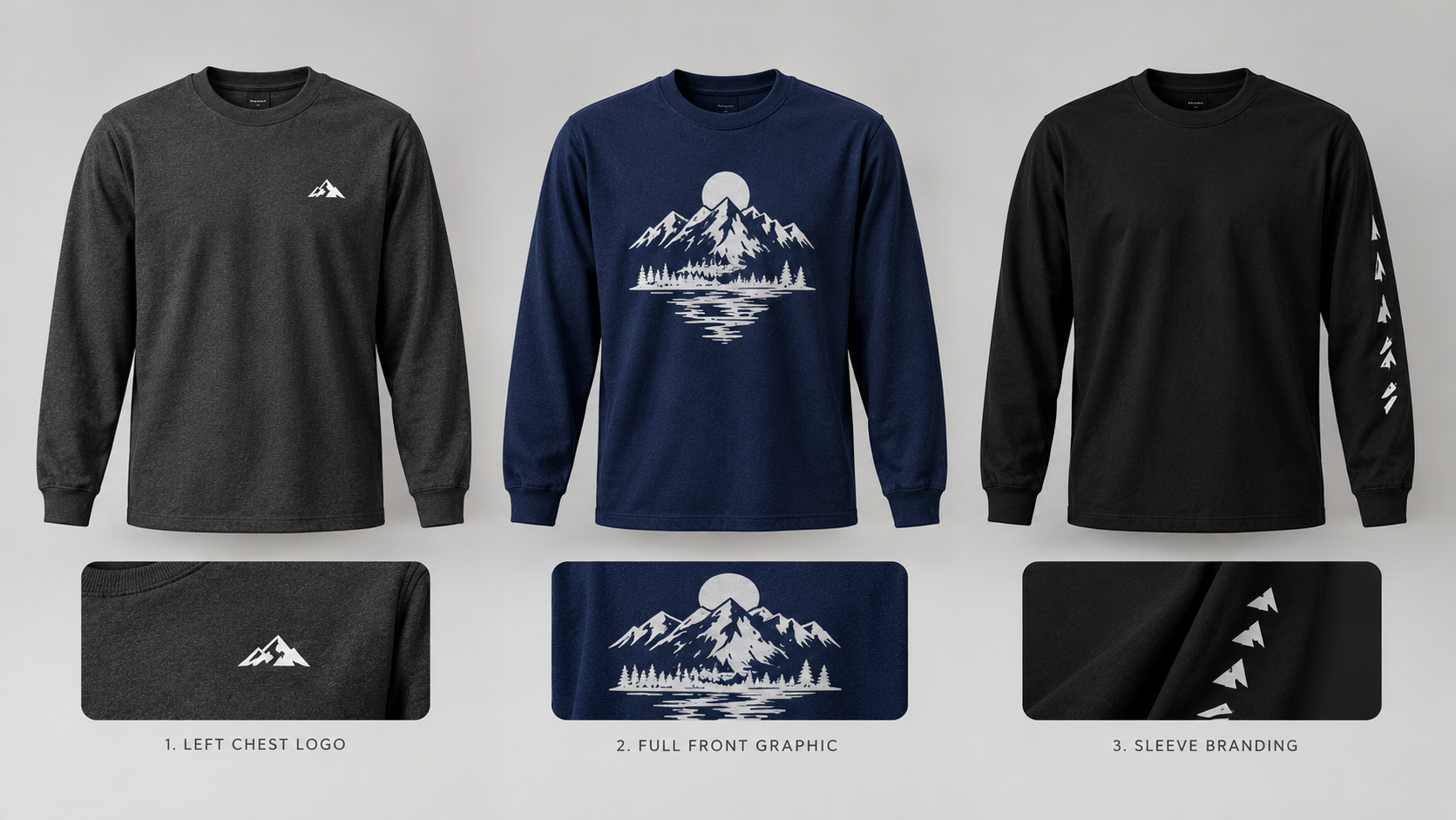
3. Select the Best Logo Placement
Logo placement plays a major role in the final appearance of a custom T-shirt.
Left Chest Logo
A small left-chest logo creates a clean, professional appearance.
This placement is useful for employee uniforms, business apparel, and subtle branding.
Full Front Design
A large front design provides more room for artwork, illustrations, slogans, and promotional graphics.
It works particularly well for events and merchandise.
Back Printing
Back printing can display a larger company logo, event design, or promotional message.
It is useful when you want branding to remain visible from behind.
Sleeve Printing
Sleeve graphics can add secondary branding, initials, or decorative details.
Front and Back Combination
A small front logo paired with a larger back design can balance professional appearance with brand visibility.
Available placements depend on the selected garment and printing configuration.
4. Keep Your T-Shirt Design Clean and Readable
One of the most common custom apparel mistakes is adding too many design elements.
A shirt with several fonts, crowded text, and competing graphics may be difficult to understand.
Instead, focus on a clear visual hierarchy.
Use One Main Message
Decide what viewers should notice first.
For a business shirt, this might be your company logo.
For an event shirt, it could be the event name or central illustration.
Limit Your Fonts
Choose one or two complementary typefaces.
Avoid combining several decorative fonts in the same design.
Maintain Proper Spacing
Leave enough space between text, logos, and other graphics.
Crowded elements can make a design look less professional.
Use Strong Contrast
Make sure your artwork remains visible against the garment color.
Avoid Unnecessary Details
Remove graphics or text that don't support the main message.
A simpler design is often easier to recognize from a distance.
5. Choose Fonts That Match Your Brand
Typography influences how people perceive your custom apparel.
Bold Sans-Serif Fonts
These are useful for modern businesses, sports teams, and promotional merchandise.
They often remain readable at larger viewing distances.
Classic Serif Fonts
Serif typography can create a traditional or refined appearance.
It may be suitable for certain professional brands or commemorative designs.
Script Fonts
Script lettering can work well for weddings, reunions, and decorative event designs.
However, overly detailed script fonts may become difficult to read when printed small.
Display Fonts
Decorative display fonts can create a strong visual impact for event shirts.
Use them selectively and check readability at the intended print size.
Design tip: Test your typography at its actual printing dimensions before finalizing the artwork.
6. Use High-Quality Artwork
Professional-looking custom T-shirts start with clear artwork.
Low-resolution images may look acceptable on a phone but become blurry when enlarged for printing.
Use Original Design Files
Whenever possible, work from the original logo or illustration.
Avoid screenshots downloaded from social media.
Choose Suitable File Formats
Common artwork formats include:
PNG for high-resolution graphics and transparent backgrounds
SVG for scalable vector artwork
AI for editable Adobe Illustrator designs
PDF for correctly prepared print layouts
PSD for layered Photoshop artwork
Check Image Resolution
For raster artwork, approximately 300 pixels per inch at the intended print dimensions is a useful preparation target.
For example, a design intended to print 10 inches wide would ideally have approximately 3,000 pixels of width at 300 PPI.
Remove Unwanted Backgrounds
If you want only your logo or graphic printed, make sure unwanted background areas are removed.
A transparent PNG is often useful for this purpose.
7. Create Attractive Business T-Shirt Designs
Custom business shirts should reflect your company's identity.
Here are several practical approaches.
Minimal Company Logo
Place a small company logo on the left chest.
This creates a clean appearance suitable for everyday employee apparel.
Front Logo With Back Branding
Use a small logo on the front and a larger company name or design on the back.
This can work well for cleaning companies, landscaping businesses, contractors, and service teams.
Typography-Focused Branding
Create a design featuring your company name in bold, readable typography.
This approach works well when your business name is the main branding element.
Logo With a Short Slogan
Combine your logo with a concise brand message.
Avoid adding excessive text that may be difficult to read.
Promotional Campaign Design
Create a special shirt for a seasonal promotion, business anniversary, or community event.
8. Creative Custom T-Shirt Ideas for Events
Event T-shirts offer opportunities for more playful and memorable designs.
Family Reunion Shirts
Include the family name, reunion year, or a meaningful illustration.
School Event Shirts
Use school colors, event names, mascots where authorized, or student-friendly graphics.
Fundraiser Shirts
Create a design that communicates the purpose of the fundraiser.
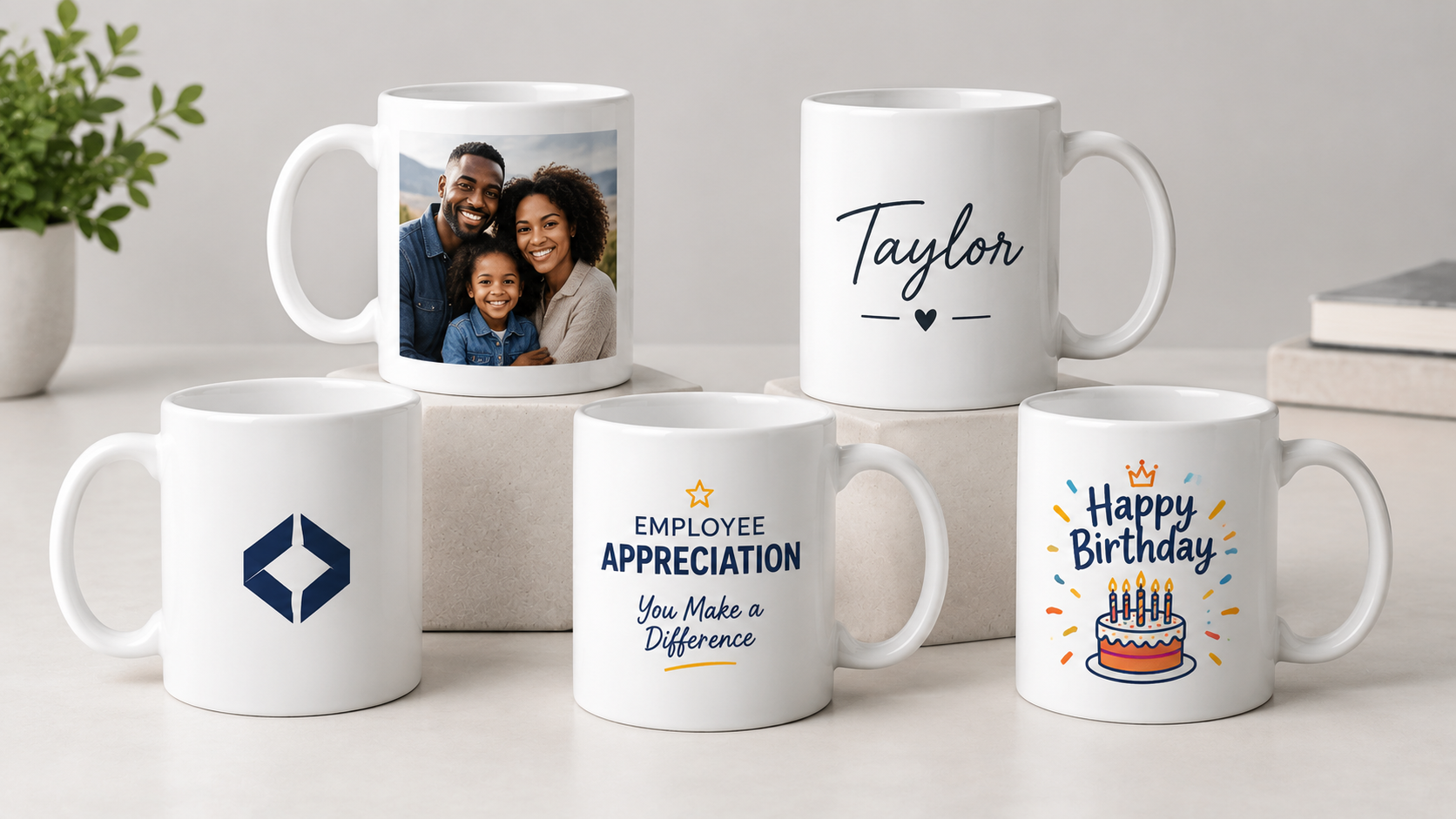
Birthday Celebration Shirts
Use custom names, dates, age milestones, or themed artwork.
Community Event Shirts
Feature the event name, location, or a recognizable visual theme.
Corporate Team Events
Create coordinated shirts featuring your company branding and event message.
The most effective event designs are memorable, readable, and appropriate for the audience.
9. Choose the Right Printing Method
Different printing methods are suitable for different garments and artwork.
DTF Printing
Direct-to-Film printing uses a printed transfer that is applied to compatible fabric using heat and pressure.
DTF can reproduce detailed, full-color designs and is commonly used for personalized apparel.
Screen Printing
Screen printing can be useful for larger quantities of identical designs.
It may offer cost advantages for certain bulk orders.
Sublimation Printing
Traditional sublimation works best on suitable white or light-colored polyester garments.
It is not intended for direct printing onto ordinary untreated cotton.
The best method depends on your fabric, garment color, design complexity, and order requirements.
10. Preview Your Design Before Ordering
Before placing your order, review how the artwork appears on the garment.
Check the following:
Is the company name spelled correctly?
Does the logo have the correct proportions?
Are the colors consistent with your branding?
Is the artwork positioned correctly?
Is the text readable?
Are the design dimensions appropriate?
Does the garment color complement the artwork?
Have you selected the correct print locations?
A careful preview can help prevent avoidable mistakes.
11. Common Custom T-Shirt Design Mistakes
Using Too Many Fonts
Multiple decorative fonts can make the design look inconsistent.
Choosing Poor Color Contrast
Low contrast can make logos and text difficult to read.
Stretching Artwork
Changing the proportions of a logo can distort your branding.
Using Low-Resolution Images
Blurry images may produce disappointing prints.
Adding Too Much Text
Long messages can make the design difficult to understand.
Ignoring Print Dimensions
A design that looks good on a screen may be too small or too large for the selected shirt.
Skipping the Final Review
Always inspect the final artwork before completing your order.
12. How to Design Custom T-Shirts With ExpressPress
For additional guidance, see our custom apparel printing options.
ExpressPress provides custom apparel printing services for businesses, organizations, schools, and individuals.
To begin creating your custom T-shirt:
Step 1: Choose Your T-Shirt
Select a customizable T-shirt from the ExpressPress shop.
Step 2: Select Your Garment Color
Choose from the available product colors.
Step 3: Choose Your Size
Select the appropriate size for your order.
Step 4: Choose Your Printing Placement
Select from the printing locations available for your chosen product.
Step 5: Upload Your Artwork
Upload your company logo, event graphic, or personalized design using the available customization tools.
Step 6: Review Your Design
Check the artwork, garment configuration, quantities, and pricing before placing your order.
Step 7: Complete Your Purchase
Follow the checkout process to submit your order.
You can also explore custom cotton T-shirts and best file formats for custom printing for related printing information and available ExpressPress options.
Custom T-Shirt Printing in Thomasville, Alabama
ExpressPress is based in Thomasville, Alabama, offering custom printing and apparel services for businesses, organizations, and individuals.
Whether you're creating branded uniforms, promotional merchandise, school shirts, or personalized event apparel, ExpressPress offers customization options to help bring your ideas to life.
Explore our Custom Cotton T-Shirts and Custom Apparel options to start your next project.
Ready to create your custom T-shirt? Visit ExpressPress and start designing today.
Frequently Asked Questions
How do I design a professional custom T-shirt?
Start with a clear purpose, choose suitable colors, use readable typography, prepare high-quality artwork, and select an appropriate print placement.
Where should I place my company logo on a T-shirt?
Left chest is a common choice for business uniforms. Full front and back placements are useful for larger branding and promotional designs.
What is the best file format for T-shirt printing?
High-resolution PNG files with transparent backgrounds are commonly used. Vector formats such as SVG and AI are also useful for logos when supported by the printing provider.
How many colors should a T-shirt design have?
There is no universal limit. The ideal number depends on the artwork, printing method, and visual style. Simple designs often benefit from a focused color palette.
Can I design custom T-shirts for a small business?
Yes. Custom T-shirts can be used for employee uniforms, promotional events, company merchandise, and everyday business branding.
Can I print on both the front and back of a T-shirt?
Many custom printing services offer multiple print placements. Check the options available for your selected garment.
How do I avoid blurry T-shirt prints?
Use original high-resolution artwork, confirm the final print dimensions, and avoid enlarging small images excessively.
What is the best shirt color for a company logo?
Choose a garment color that complements your brand and provides enough contrast for the logo to remain readable.